Smart lock security 2026 budget: price, age, and condition choices that change the plan
Buying a smart lock isn't just about picking the one with the most features. It is about finding the right balance between your budget, the lock's age, and its physical condition. A $300 lock installed on a warped door will fail just as surely as a $100 lock on a brand-new frame. The security of your home depends on these practical tradeoffs.
Price Tiers and What You Actually Get
The market splits into three clear price brackets. At the entry level ($100–$150), you get basic keypads and Wi-Fi connectivity. These are good for renters or secondary entrances where you don't need complex automation. Mid-range options ($150–$250) add Bluetooth mesh, better batteries, and quieter motors. This is the sweet spot for most homeowners who want reliability without paying for enterprise-grade hardware. Premium locks ($250+) offer biometric scanners and advanced encryption, but the security gain is marginal if the installation is poor.
The Hidden Cost of Age
A "new" lock is only as secure as the door it sits on. If your door has settled over the years, the strike plate may be misaligned. Forcing a smart lock into a misaligned frame causes the motor to strain, draining batteries in weeks rather than months. Before buying, check the gap between the deadbolt and the frame. If it is wider than a quarter-inch, you must adjust the door or buy a lock with an adjustable latch. Ignoring this step turns a secure lock into a nuisance.
Condition Checks Before You Buy
Inspect the existing hardware. Rust on the hinges or a loose strike plate indicates underlying structural issues. Smart locks cannot fix a broken door; they only automate it. If the existing deadbolt is a single-cylinder model, ensure the interior side has a thumb turn, not a keyhole, for convenience. Also, check the door thickness. Most smart locks require a standard 1.375-inch to 2-inch door. If your door is thicker, you will need to buy a longer backset kit, adding to the total cost.
Proof Checks: Installation and Maintenance
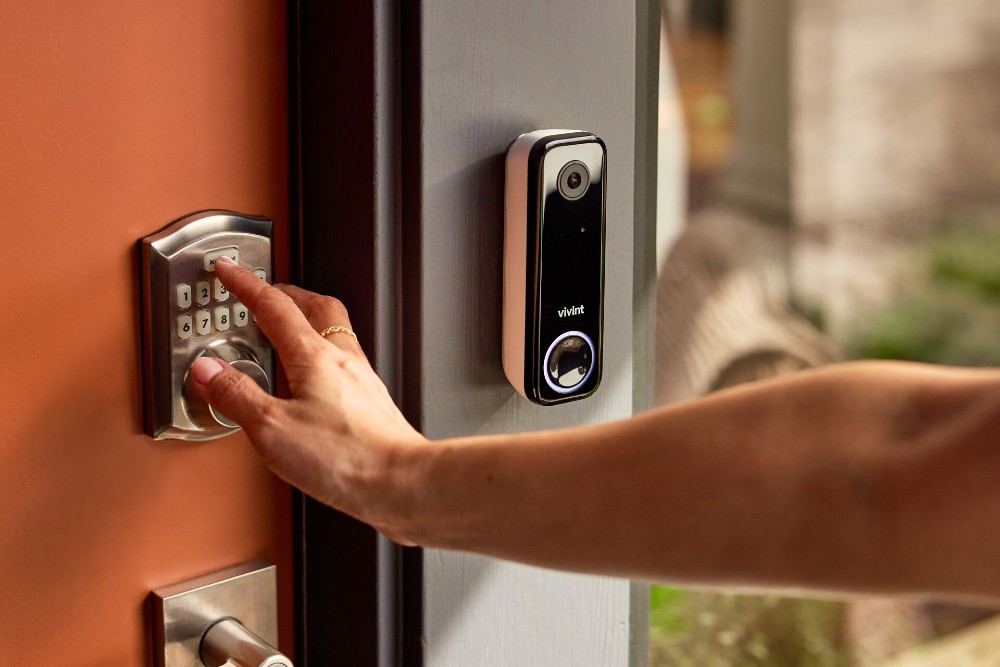
The best security fails if the batteries die. Look for locks with low-battery alerts that send notifications to your phone. Test the keypad responsiveness in direct sunlight, as many screens become unreadable in bright conditions. Finally, verify that the lock supports your existing door preparation. If you are replacing a standard deadbolt, most smart locks will fit without drilling new holes. This saves money and maintains the structural integrity of the wood.


As an Amazon Associate, we may earn from qualifying purchases.
Shortlist real options
Choosing the best smart lock security 2026 model means matching your door’s hardware and your daily entry habits. The market has shifted from simple Bluetooth remotes to locks with local processing and biometric verification. We compared the strongest contenders based on sensor accuracy, integration depth, and build quality.
The Aqara Smart Lock U100 stands out for its fingerprint reader. It is a deadbolt replacement that feels solid and operates quietly. Users report the finish holds up well in direct sunlight, a common failure point for cheaper models. However, it requires a compatible hub for full remote features.
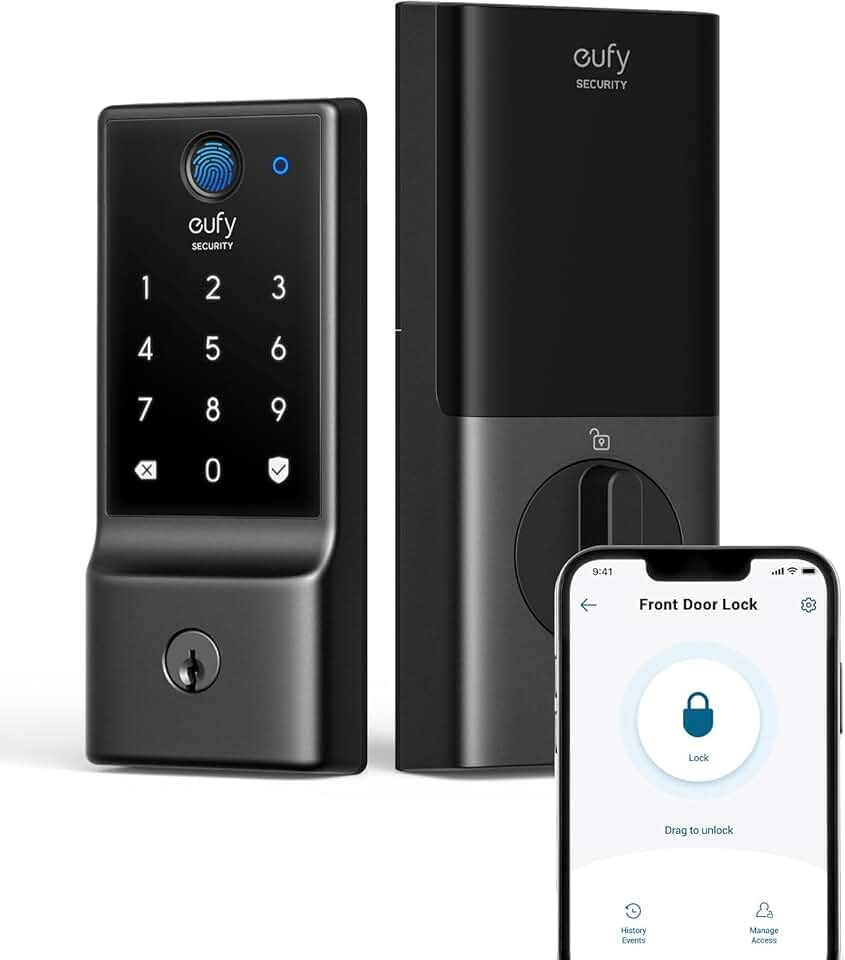
Eufy has long been a favorite for standalone reliability. Their latest models prioritize battery life and local storage, reducing reliance on cloud servers. This approach minimizes latency and keeps your access logs private. If you prefer a lock that works seamlessly without a complex smart home setup, Eufy’s direct-to-door approach is a practical choice.
We compared these against established brands like Schlage and August. While those brands offer broad compatibility, the newer AI-driven models often provide faster, more accurate biometric recognition. The table below breaks down the core differences to help you decide which security layer fits your home.
| Model | Primary Unlock | Hub Required | Best For |
|---|---|---|---|
| Aqara U100 | Fingerprint + Keypad | Yes (Aqara/Hub) | Speed and quiet operation |
| Eufy Security | Fingerprint + App | No (Local Storage) | Battery life and privacy |
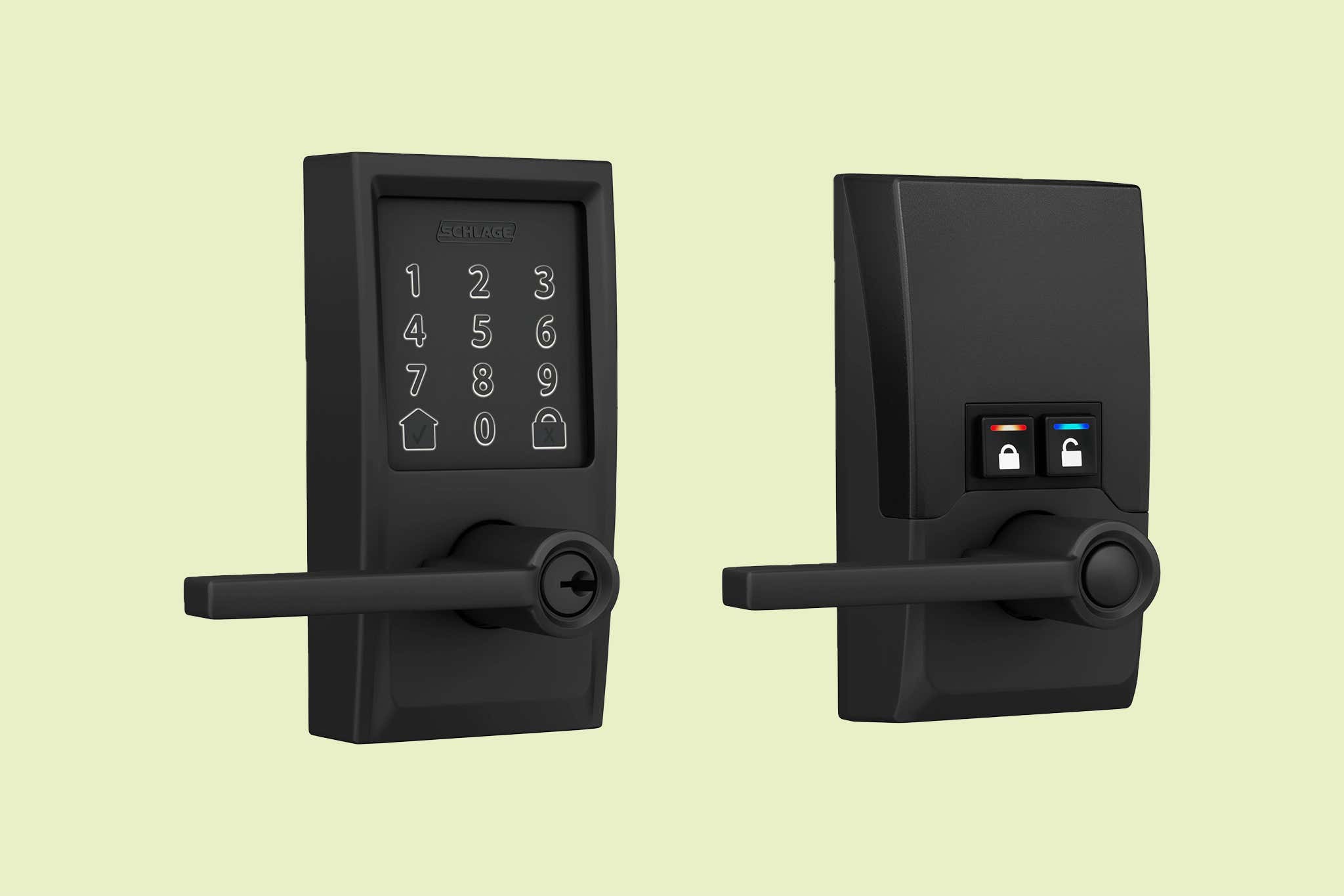
| Schlage Encode | Keypad + Auto-Unlock | Yes (Z-Wave) | Broad smart home integration |
| August Wi-Fi Smart Lock | App + Bluetooth | No (Built-in Wi-Fi) | Retrofitting existing locks |
Inspect the expensive failure points
Smart locks fail in predictable ways, and the repair costs often exceed the price of the lock itself. Most expensive failures involve the door frame, the strike plate, or the electronic module itself. Before you buy or after you install, check these specific areas to avoid costly callbacks or security gaps.
Smart locks rely on a rigid frame to keep the deadbolt aligned. If your door frame is rotted, loose, or made of hollow core material, the bolt can be kicked through easily. Test the frame by pushing on it; if it flexes, reinforce it with steel brackets before installing. A weak frame renders the most expensive biometric lock useless against a determined intruder.
The strike plate is the metal piece on the frame that catches the bolt. Standard 1-inch screws are often too short to reach the structural stud behind the drywall. Replace these with 3-inch screws that anchor directly into the door jamb’s structural wood. This simple upgrade prevents the frame from splitting when force is applied to the door.
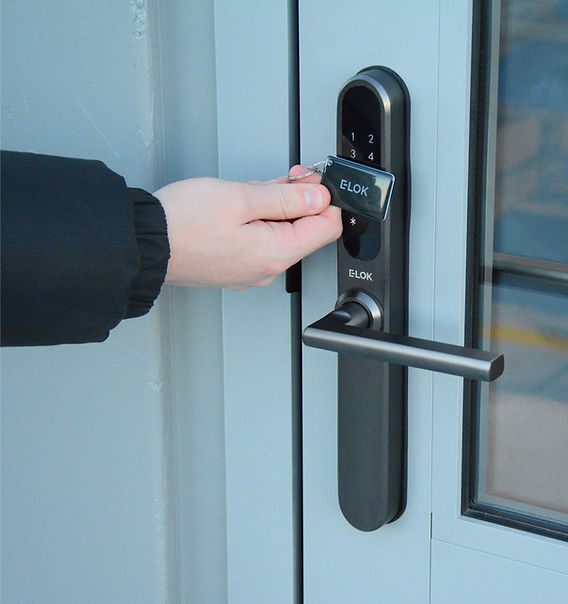
Misalignment causes motors to jam or batteries to drain rapidly as the lock struggles to extend the bolt. Close the door and check if the latch extends fully without forcing the handle. If the bolt hits the edge of the strike plate hole, you need to adjust the plate position or shim the lock body. Forcing a misaligned lock will burn out the motor within months.
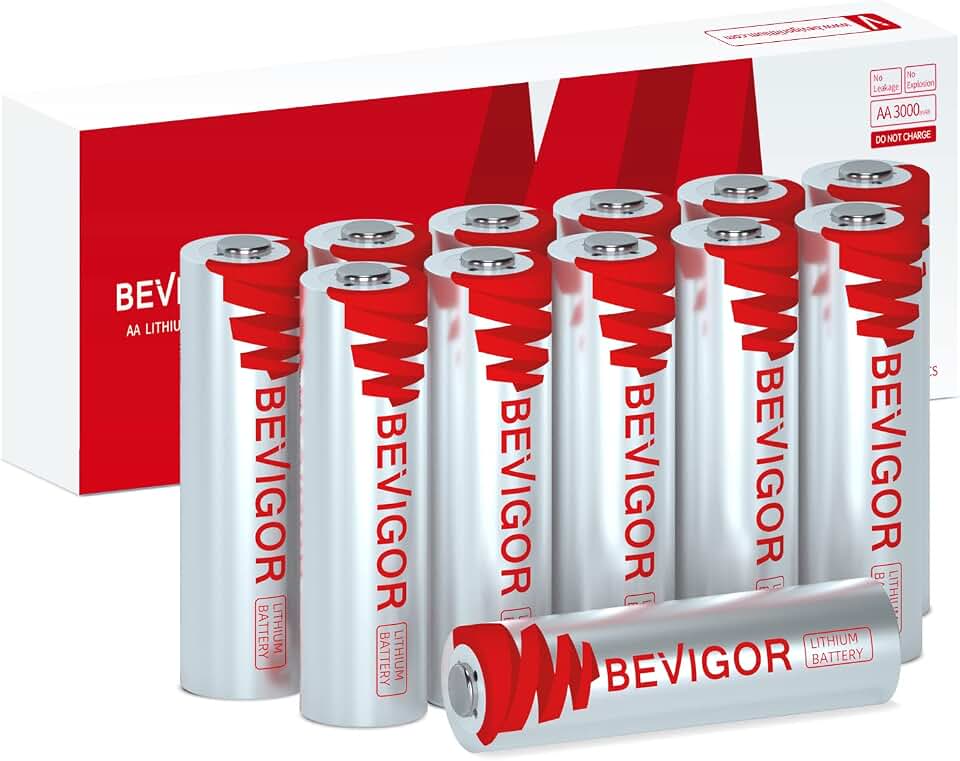
Batteries are the most frequent point of failure, but they are also the easiest to ignore until you are locked out. Check if the battery compartment is accessible from the outside in case of a dead battery emergency. Look for low-battery alerts that send notifications to your phone, not just a blinking light you might miss. Some models offer USB-C emergency charging ports on the exterior face.
Plan for ownership costs
A smart lock is rarely a one-time purchase. Beyond the initial price tag, you need to account for recurring expenses that quietly add up over the device’s lifespan. Batteries are the most common recurring cost; while most locks run on AA or AAA cells, high-traffic households may need to replace them every three to four months. If you choose a lock with a rechargeable internal battery, factor in the eventual cost of battery replacement after two to three years.
Maintenance surprises often stem from software and connectivity. Many premium features—such as remote guest access logs, advanced AI-driven anomaly detection, or cloud storage for activity history—are gated behind monthly or annual subscriptions. Without these, the lock still works, but its intelligence is significantly blunted. Additionally, keep spare mechanical keys in a secure, accessible location. If the electronics fail or the battery dies, you will need a physical backup to avoid a locksmith visit, which can cost $100 or more.
When a cheap buy stops being cheap is usually a question of durability and compatibility. The cheapest models often use lower-grade metals that wear down faster, leading to misalignment and jamming. They may also lack the firmware support to integrate with newer home automation hubs, forcing you to buy separate bridges or replace the lock entirely when you upgrade your smart home. Investing in a model with a clear upgrade path and robust build quality often pays for itself in avoided replacement costs.


As an Amazon Associate, we may earn from qualifying purchases.
Smart lock security 2026: what to check next
Before swapping out your deadbolt, it helps to know how these devices handle the messy realities of daily life. The best smart lock isn't just about the highest encryption standard; it's about whether the fingerprint reader works when your hands are wet or if the battery dies in January.
We’ve rounded up the most common practical concerns to help you pick a system that actually works.
No comments yet. Be the first to share your thoughts!