
Smart lock security 2026 budget
Picking a smart lock in 2026 means balancing upfront cost against long-term reliability. A $50 unit often fails within two years due to poor battery seals or flimsy motors, while premium models at $200+ usually include better encryption and weatherproofing. The sweet spot for most homes sits between $100 and $150, where you get solid hardware without paying for unnecessary features like built-in cameras or fingerprint scanners you may never use.
When evaluating options, focus on the motor quality and battery type. Lithium-ion batteries handle temperature fluctuations better than standard AA alkalines, especially in unheated garages or exterior doors exposed to direct sun. Look for locks that support both Wi-Fi and Zigbee; Zigbee networks are generally more stable for bulk automation, while Wi-Fi offers direct cloud access without a hub.


As an Amazon Associate, we may earn from qualifying purchases.
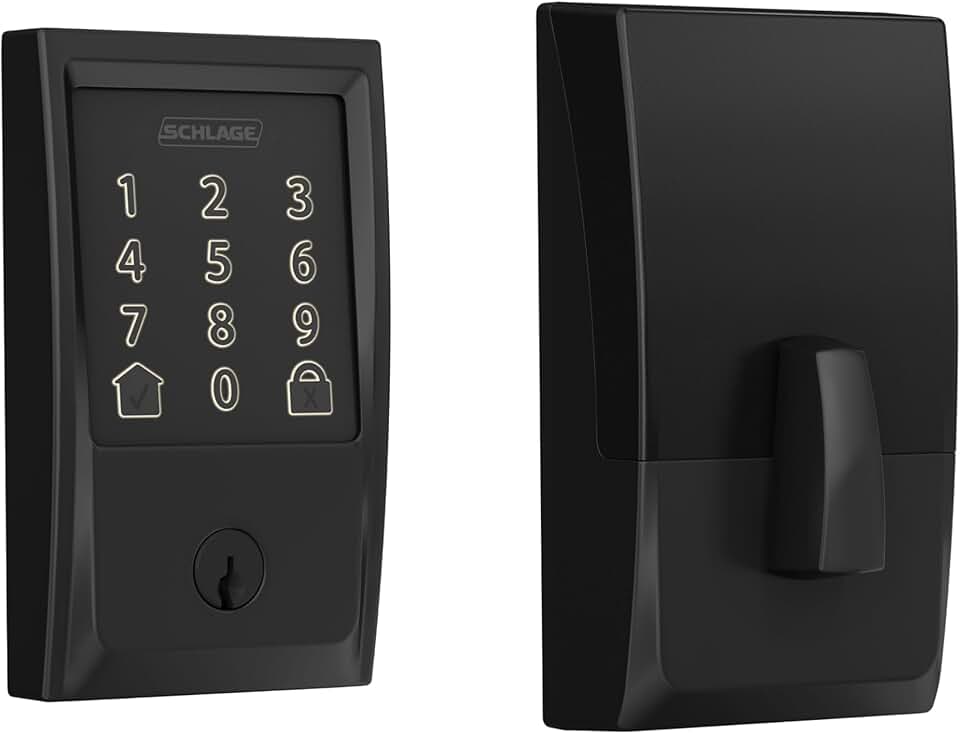
These three models represent the current standard for reliable, budget-friendly security. The Yale Assure Lock 2 offers the best balance of price and features for most renters and homeowners. The Schlage Encode Plus is ideal if you want to skip a hub entirely, relying on its built-in Wi-Fi for direct app control. The Eufy Familock S3 Max targets security-conscious users who prioritize biometric access and anti-tamper alarms over basic convenience. All three avoid the common pitfalls of cheap, unbranded locks by using established hardware platforms and regular firmware updates.
Shortlist real options
Choosing a smart lock in 2026 comes down to balancing connectivity, security, and ease of use. The market has shifted from simple Bluetooth keypads to robust Wi-Fi and Matter-enabled deadbolts that integrate directly with home security ecosystems. When evaluating the strongest contenders, we look at build quality, app reliability, and how well the lock handles remote access without compromising security.
The Schlage Arrive Smart WiFi Deadbolt remains a top recommendation for its sturdy construction and straightforward setup. It eliminates the need for a separate hub by connecting directly to your Wi-Fi, making it a reliable choice for homeowners who want a "set it and forget it" experience. Its integration with major platforms like Amazon Key and Samsung SmartThings adds significant utility for automated routines.
For those prioritizing biometric convenience, the Eufy Familock S3 Max offers a compelling blend of fingerprint scanning and facial recognition. This model is designed for households with multiple users, allowing for diverse entry methods without the frustration of forgotten codes or lost keys. Its local processing for biometrics ensures that your personal data stays on the device, adding a layer of privacy often missing in cloud-dependent locks.
Budget-conscious buyers might prefer the Yale Assure Lock 2, which delivers essential smart features at a lower price point. While it lacks some of the advanced biometric options of pricier models, its auto-locking capability and solid app controls make it a practical upgrade for standard doors. It serves as an excellent entry point for those new to smart home security without requiring a massive investment.
To help you compare these options side-by-side, we have compiled the key specifications below. This comparison highlights connectivity methods, power sources, and key differentiators to streamline your decision.
| Lock Model | Connectivity | Power Source | Key Feature |
|---|---|---|---|
| Schlage Arrive | Wi-Fi | 4 AA Batteries | Direct hub-free Wi-Fi |
| Eufy Familock S3 Max | Wi-Fi / Bluetooth | Rechargeable Battery | Fingerprint + Face ID |
| Yale Assure Lock 2 | Z-Wave / Wi-Fi | 4 AA Batteries | Auto-locking & Sleek Design |
| August Wi-Fi Smart Lock | Wi-Fi | 4 AA Batteries | Retrofit Design for Existing Deadbolts |
Each of these locks addresses the core security needs of modern homes by removing the physical key, which can be copied or picked. By selecting a model that fits your specific connectivity and biometric needs, you ensure that your home remains secure while maintaining the convenience of keyless entry.
Inspect the expensive parts
Smart locks fail most often where the digital meets the mechanical. A single weak point can turn a high-tech upgrade into a security liability. This inspection checklist targets the components that cost the most to replace or compromise.
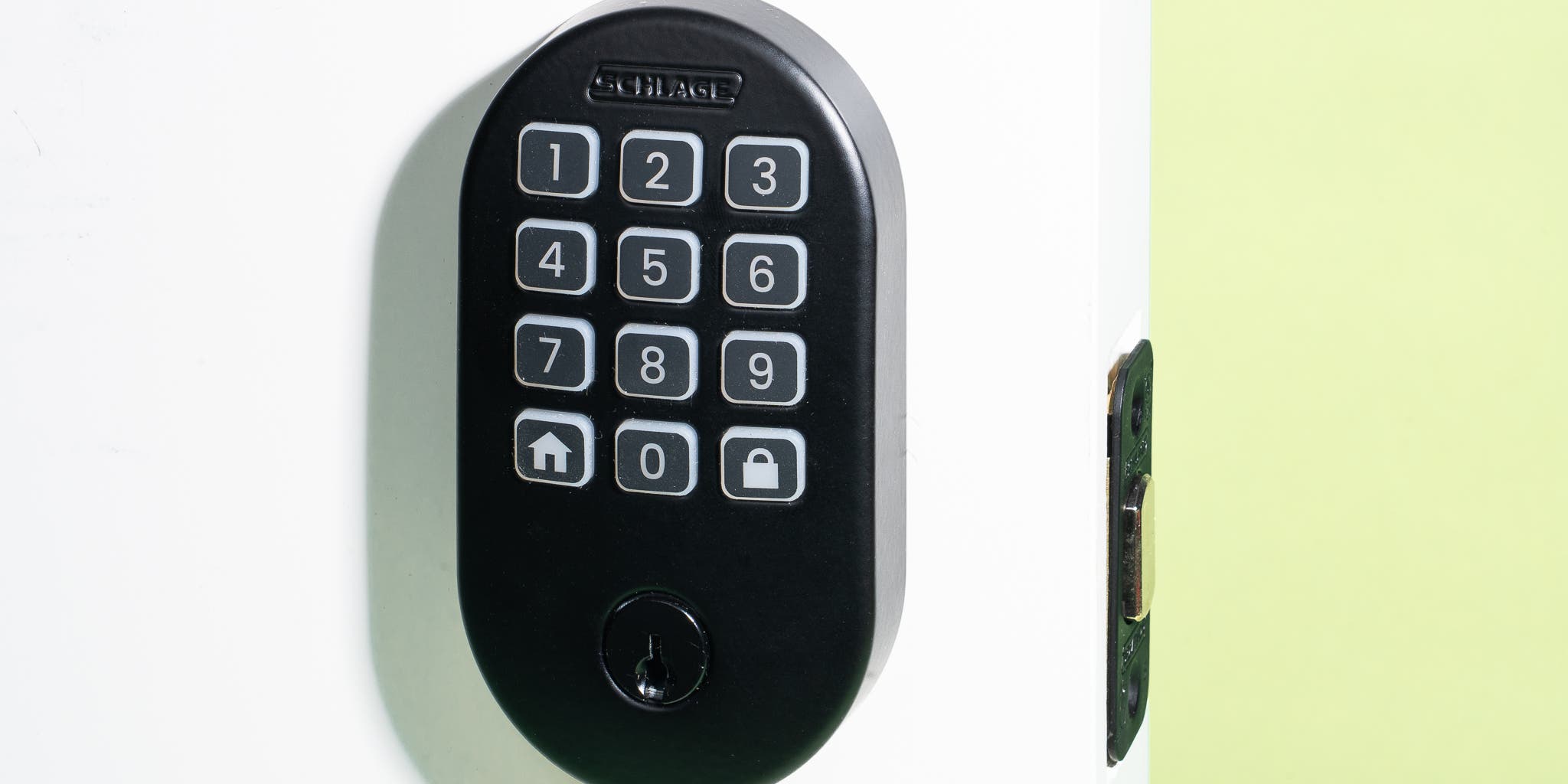
The interior and exterior plates must sit flush against the door. If they rock or gap, the internal gears can strip under torque. Tighten all screws with a calibrated screwdriver to the manufacturer’s spec. Loose hardware is the primary cause of premature motor failure in heavy doors.
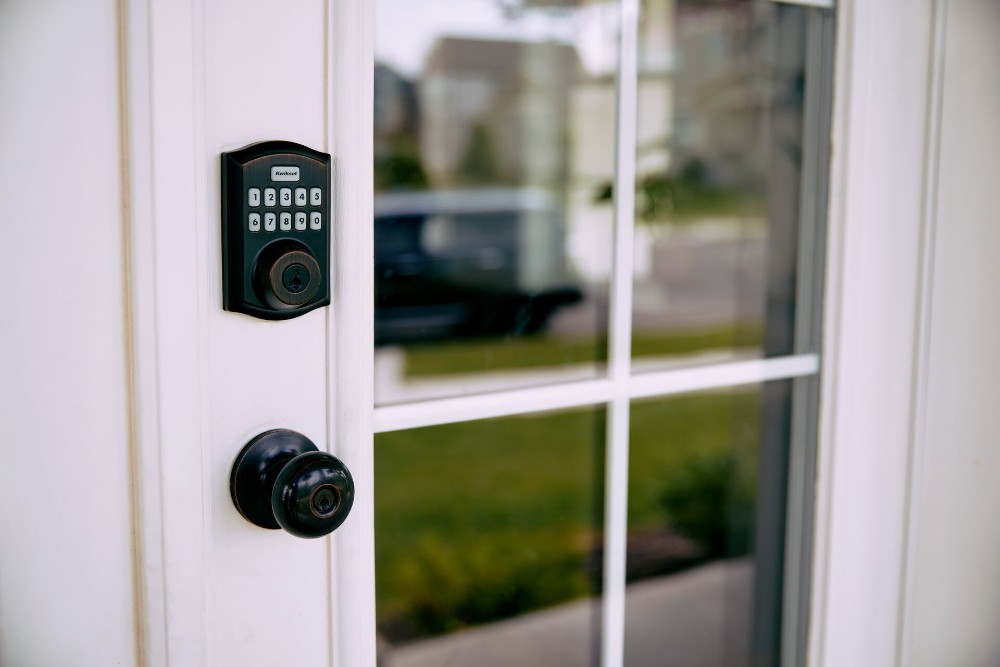
Manually extend the deadbolt. It must engage at least three-quarters of its length into the strike plate. If it sticks or only partially extends, the latch mechanism is misaligned. Forcing it will burn out the drive motor within months. Adjust the strike plate position before using the lock daily.
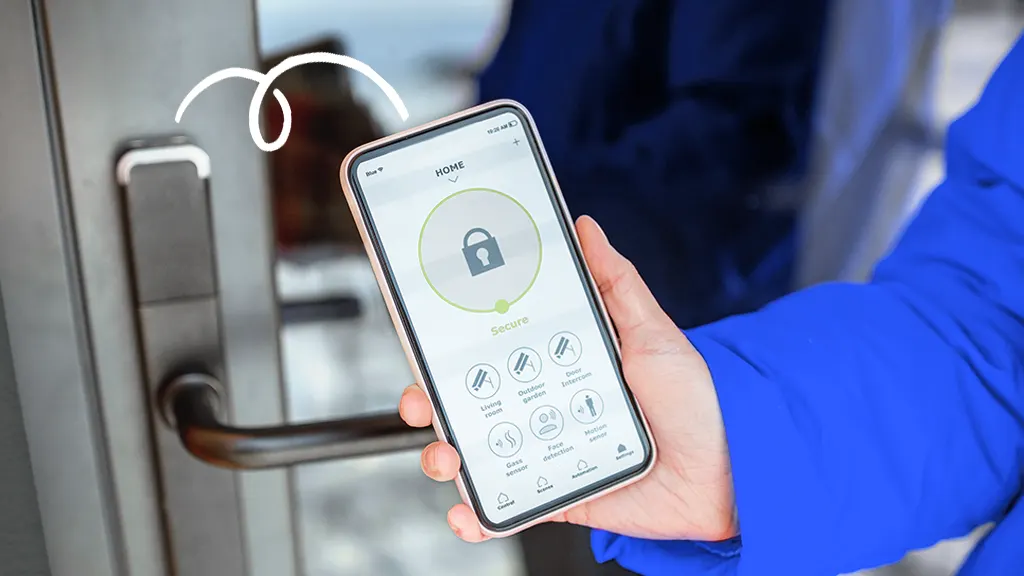
Moisture is the silent killer of smart lock electronics. Open the battery cover and look for corrosion or water stains on the contacts. Ensure the rubber gasket is intact and seated correctly. A compromised seal allows humidity to corrode the circuit board, leading to random lockouts that require expensive professional replacement.


As an Amazon Associate, we may earn from qualifying purchases.
The mechanical interface is where digital promises meet physical reality. Regular inspection of these three areas prevents the most common and costly failures. Prioritize locks with robust mounting systems and sealed battery compartments to extend the lifespan of your investment.
Plan for ownership costs
Buying a smart lock is rarely a one-time purchase. The sticker price is just the entry fee; the real cost comes from the ongoing maintenance, connectivity, and battery replacements that keep the hardware running. A cheap lock that dies in six months or requires expensive proprietary replacements often costs more over five years than a mid-range model with standard consumables.
Battery and connectivity expenses
Most smart locks run on four AA batteries or a single 18650 cell. While the lock itself is free, you will need to budget for replacement batteries every six to twelve months depending on usage. Some models use proprietary battery packs or rechargeable lithium units that cost $20–$40 each, adding to the long-term ownership cost.
Connectivity also matters. Locks that rely on Wi-Fi consume significantly more power than those using Bluetooth or Zigbee, leading to more frequent battery changes. If your Wi-Fi drops, you might lose remote access until the connection is restored, potentially requiring a professional locksmith visit if you are locked out.
Maintenance and repair surprises
Smart locks have moving parts and electronics that can fail. Unlike a traditional deadbolt, which costs $15 to replace entirely, a faulty smart lock module can cost $100–$200 to repair or replace. Many manufacturers do not cover battery-related wear or minor electronic glitches under warranty.
Regular maintenance includes cleaning the keyway, lubricating the deadbolt mechanism, and checking for loose screws. Neglecting these simple tasks can lead to mechanical jams that the motor cannot overcome, leaving you stranded. Always check the warranty terms and availability of replacement parts before buying.
When cheap stops being cheap
A $50 smart lock might seem like a bargain, but if it requires proprietary batteries or has a high failure rate, the total cost of ownership can exceed that of a $150 model with standard AA batteries and a five-year warranty. Look for locks that use widely available components and have a clear path for repairs.


As an Amazon Associate, we may earn from qualifying purchases.
Smart lock security 2026: what to check next
Choosing a smart lock involves balancing convenience with tangible security risks. The following answers address the most common practical concerns for homeowners upgrading in 2026.
Do smart locks actually keep intruders out better than deadbolts?
Smart locks generally use the same standard deadbolt mechanisms as traditional keys, meaning their physical security depends on the cylinder and strike plate rather than the electronics. Brands like Schlage and Yale remain top picks because their hardware meets ANSI Grade 1 standards, which resist forced entry far better than cheap plastic models. The digital layer adds convenience, but the metal bolt is what stops a kick-in.
What happens if the Wi-Fi goes down or the batteries die?
A reliable smart lock must always have a physical backup. Most top-rated models, including the Yale Assure Lock 2, include a physical key override or a standard battery compartment accessible from the outside. If your lock relies solely on an internal battery with no external access, you risk locking yourself out during a storm or power outage. Always verify the backup method before buying.
Can hackers unlock my door remotely?
While no device is immune to attack, reputable brands use encrypted communication protocols like Z-Wave, Zigbee, or secure Wi-Fi to prevent easy interception. The risk is highest with older, budget-friendly locks that lack regular firmware updates. Sticking to established brands like Schlage or August ensures you get security patches. Avoid generic, no-name locks that offer app control but no clear update path.
Are smart locks worth the cost compared to traditional keys?
For most households, the value lies in guest access and automation rather than enhanced burglary protection. You can generate temporary codes for cleaners or dog walkers without handing over a physical key. If you frequently manage rentals or have family who visits often, the convenience justifies the $130–$300 price range. If you rarely have visitors, a standard deadbolt remains the most cost-effective choice.
No comments yet. Be the first to share your thoughts!